Are you planning a trip to Cuba and wondering how to stay connected in a country where internet access is notoriously difficult? While Cuba is a fascinating travel destination, it is well-known for its limited and sometimes complex internet environment. This guide introduces tips and tricks for smoothly accessing the internet during your stay. From hotel Wi-Fi and public hotspots to Nauta cards and essential apps, we will explain how to make the most of available options while avoiding inconveniences.
For most travelers, planning to purchase a Cuban SIM card or eSIM is essential. Beyond simple messaging, a local connection becomes crucial in the following situations:
a) Using essential local apps in real-time.
b) Staying in constant contact with Casa Particular (private homestay) hosts.
c) Checking information on local events and concerts.
d) Booking intercity buses or shared taxis (colectivos).
There are only two main scenarios where a Cuban SIM card might not be strictly necessary:
a) All-inclusive Resort Stays: If you are staying exclusively within "tourist bubble" resorts where Wi-Fi is provided on-site.
b) International Roaming Plans: If you use a roaming plan from an overseas carrier. However, please be aware that usage in Cuba is typically very expensive, with daily taxes often added on top.
To use an app called La Nave (LaNave.app) in Havana, it is very important to have a Cuban SIM installed. This app is similar to Uber or Lyft; you can hail a taxi and pay the fare directly to the driver in Cuban Pesos (CUP). A local SIM card is absolutely indispensable for using La Nave and the growing number of other Cuban-made apps.
A Note from Our Agency: We are not explicitly recommending La Nave. Much like Uber, the quality of the taxis is random, and drivers sometimes only speak Spanish. Many cars in Cuba are old and in need of maintenance. Therefore, you may encounter the smell of gasoline, a rough ride, or even a mechanical breakdown. We recommend that we arrange reliable taxis for our clients, even if the cost is slightly higher. Furthermore, La Nave’s service only functions within the city of Havana.
The mobile data network in Cuba is exclusively operated by the state-owned enterprise ETECSA (with the exception of the U.S. Naval Base at Guantanamo Bay). Whether you use a Tourist SIM, a Permanent SIM, or an eSIM, all data traffic passes through this same single network.
There are three primary ways to secure a mobile connection:
1) ETECSA Tourist SIM (CubacelTur): Very convenient and can be ordered online in advance, but it has strict limitations on the period of use.
2) ETECSA Local/Permanent SIM: The rates are very economical, but they are difficult to obtain, and payment must be made in local cash (CUP / Cuban Pesos).
3) eSIM (GigSky or GlobalESim.app): The ideal choice for smartphones without a physical SIM tray (such as iPhone 14, 15, and 16 models sold in the United States).

To use your smartphone on the Cuban network, it is a mandatory requirement that your device is SIM-unlocked. Additionally, please verify in advance that your device is compatible with Cuba's frequency bands:
a) 4G (LTE): 1800MHz
b) 3G: 900MHz / 2100MHz
While both cards offer the same connection speeds and technical features, your choice depends on whether you prioritize convenience or cost-saving.
Tourist SIM (CubacelTur): Valid for 7 or 30 days. After this period, the line is automatically deactivated. It cannot be extended, and the phone number cannot be reused.
Permanent SIM: There is no fixed expiration date. As long as you recharge it at least once every 11 months, you can use it continuously. This is ideal for frequent visitors or long-term residents.
Tourist SIM: Priced higher. Requires payment in "foreign currency (USD or EUR)" via international credit cards through online platforms.
Permanent SIM: Very inexpensive; paid for in local Cuban currency (cash).
Tourist SIM: Extremely convenient. Can be purchased in advance from abroad and picked up at dedicated counters in all 10 international airports upon arrival, allowing you to avoid long lines.
Permanent SIM: Requires a visit to an ETECSA office in the city. Waiting times are often very long, and there is a risk that physical cards may be out of stock.
Tourist SIM: Specifically designed for visitors, so there are no barriers to purchase.
Permanent SIM: Can be difficult to obtain. Because these lines are subsidized, some employees may refuse to sell them to foreigners unless they can prove a stay of 30 days or longer.
Tourist SIM: Includes an initial package (e.g., 6GB), and you can easily purchase additional data (10GB, 20GB, 50GB) online.
Permanent SIM: While the initial data is cheap due to subsidies, it is typically limited to 6GB per month. Exceeding this often requires a local bank account (via the Transfermóvil app) or assistance from a local resident, which can ultimately drive up costs and negate the initial savings.

You can purchase 7-day or 30-day Tourist SIM (CubacelTur) plans in advance through the following links:
Purchase Tourist SIM: suenacuba.com/tourist_sim_card_cuba_buy
CubacelTur Official Info (Spanish): cubaceltur.com
If you are interested in a Local/Permanent SIM card, you can check official rates and data package costs here:
Activation and Rates: etecsa.cu/en/mobile/activation-and-rates
Mobile Data Plans: etecsa.cu/en/mobile/mobile-data
If you are using a device without a physical SIM tray—such as the iPhone 14, 15, or 16 models sold in the United States—you will need to use a third-party eSIM provider that has roaming agreements in Cuba:
GigSky: gigsky.com/country/esim-in-cuba
GlobalESIM: globalesim.app/product/cuba/
Purchasing an ETECSA Wi-Fi card allows you to access public Wi-Fi hotspots. These cards are typically sold at hotels, ETECSA offices, and select shops.
While most hotels in Cuba provide Wi-Fi for guests, access becomes very limited once you step outside. Fortunately, connection spots known as "Telepoints" are located in major squares and parks across the country.
Crucially, unlike many other countries, free Wi-Fi is not yet offered in these locations in Cuba. To connect in public areas or hotels, you must purchase a connection card containing a temporary username and password. You do not need to use all your available time at once; you can log out, move to another location, and use the remaining balance later.
a) Purchasing at ETECSA: If you buy a card directly at an ETECSA office, you must bring your passport as it is required for the transaction.
b) Useful Tools: The Maps.Me app is an extremely helpful tool, as it displays all Wi-Fi points in the city you are visiting.
c) Street Vendors: In high-traffic areas like Obispo Street in Havana, you may see street vendors selling cards at a slightly higher price. While this offers the benefit of skipping lines, it carries significant risk. The cards may be empty or invalid, making this an unreliable method. We do not recommend purchasing on the street due to the potential for scams.
d) Security: Always keep your physical card safe, as you will need to re-enter the username and password every time you connect to the Wi-Fi network.
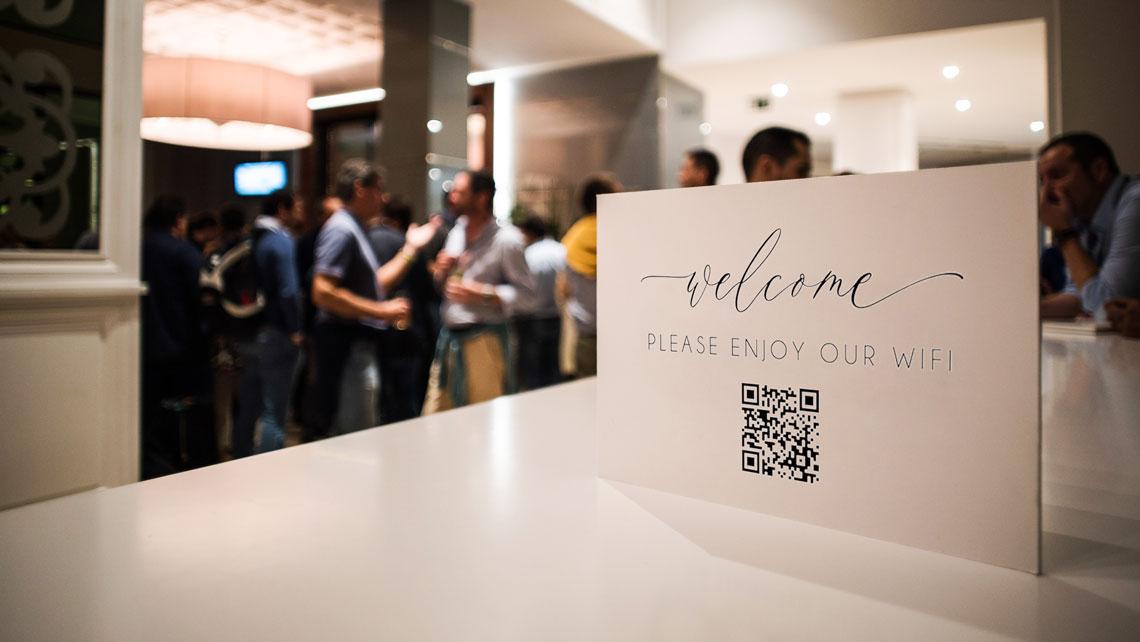
While many hotels in Cuba provide Wi-Fi, connection speeds can be slow and rates can sometimes be high, so it is best not to have excessive expectations. We recommend checking the latest travel reviews to see which hotels offer a comfortable connection environment.
a) For Guests: If you are staying at a hotel or resort, Wi-Fi is increasingly included in the room rate. However, to access the network, you will generally need a dedicated login code issued at the front desk upon check-in or a time-limited card (Nauta card).
b) For Non-Guests: Even if you are not staying there, most hotels allow you to use their Wi-Fi by paying a small hourly fee.
c) How to Purchase: To check current hourly rates or purchase access codes, please speak with the staff at the hotel front desk or the lobby cafe/bar.
d) Pro Tip: Many luxury hotels allow you to use standard ETECSA (Nauta) cards purchased elsewhere. However, some establishments may require you to purchase a code specific to that hotel or order a drink/snack to use the lobby facilities.
Casas Particulares (the Cuban equivalent of Airbnb) are an increasingly popular accommodation choice. Many hosts now offer Wi-Fi that guests can use within the home.
a) Connection Quality: Be aware that home Wi-Fi connections are often significantly slower than those in large international hotels or 4G connections via a Cuban SIM card. However, they function well enough for basic tasks like sending emails, checking Facebook, or light web browsing.
b) Cost: Depending on the host, there may or may not be an hourly fee for Wi-Fi. We strongly recommend confirming Wi-Fi costs at the time of booking.
c) How to Connect: In most cases, the host will provide the Wi-Fi card, a specific login code, and the information needed to connect to the local network.
Many paladares (privately owned restaurants) and cafes in Cuba now provide Wi-Fi for customers.
a) Fees and Conditions: This service may or may not have an hourly fee. Often, whether the Wi-Fi is free depends on the total amount spent on food and drinks. Checking with the waiter is the most reliable way to confirm the specific policy.
b) Access Method: In most cases, you will be issued a login ID and password. These usually have a time limit, such as 30 minutes or an hour.
c) Extended Use: If you wish to stay connected longer, you can ask the waiter about the price for additional access codes.
All 10 international airports in Cuba provide 30 minutes of free Wi-Fi for arriving and departing passengers.
a) How to Connect: To use this 30-minute free service, you must enter your passport number on the login screen.
b) Adding Time: If you still need internet after the free period ends, you can purchase a standard Wi-Fi card at kiosks or ETECSA counters within the airport.
Roaming charges in Cuba are often extremely high, so we strongly recommend contacting your mobile provider or checking their official website for details before you travel.
a) Points to Check: Be sure to check not only the cost for making and receiving calls but also the data rate per megabyte (MB).
b) Avoiding High Bills: By understanding these costs and reviewing your contract in advance, you can avoid surprises when you see your bill after returning home and better manage your communication budget during the trip.
If you are not using an international roaming plan, it is crucial to take measures to prevent unexpected high charges on your mobile bill.
a) Most Important Step: Before leaving your home country, turn off "Mobile Data" in your smartphone settings.
b) The Risk: If you forget this, the moment you turn on your device in Havana, apps will automatically connect to the internet and consume data in the background. Because roaming rates in Cuba are so high, you can reach a shocking bill amount in just a few seconds.
c) For Peace of Mind: Disabling mobile data before departure allows you to better control your internet usage, prevent unintended connections, and keep unnecessary costs down.
d) Double Safety Measure: Alternatively, you can disable only "Data Roaming" in your settings. This allows you to keep the line active for receiving urgent text messages (SMS) while blocking expensive data traffic in Cuba.
If you plan to use a CubacelTur (Tourist SIM) and your smartphone supports dual SIMs, it is essential to configure your data settings correctly. To prevent unwanted charges on your primary home line, ensure that mobile data is enabled only for the SIM card you are using in Cuba.
a) Open your smartphone settings and select "Dual SIM" or "SIM Manager."
b) From there, assign the CubacelTur SIM as the primary card for "Mobile Data."
c) Double-check that the data setting for your primary home SIM is set to "Off" or "No Data."
By configuring this settings, you can more effectively manage data usage and prevent unexpectedly high communication charges on your primary international line.
Please be aware that due to the U.S. embargo, there are regulations and restrictions on accessing certain websites and digital services in Cuba. As a result, several popular online platforms are unavailable on the island.
a) Blocked Services: Major platforms such as Airbnb, Zoom, eBay, Apple App Store, Adobe, Alexa, and Spotify are frequently blocked. Additionally, the premium version of LinkedIn is often unavailable.
b) Financial Services: Money transfer and banking platforms like PayPal and Zelle are restricted, making it difficult to manage international payments or access accounts.
c) Social Media and Entertainment: Apps like TikTok, Snapchat, Netflix, and Movistar+, as well as file-sharing services like WeTransfer, are also often blocked.
d) News and Information: Access to many international news sites is also restricted. Most of these blocks are imposed by U.S. companies to comply with sanctions, while a small number of websites (mainly Miami-based) are restricted by the Cuban government.
While the majority of these blocks are imposed by U.S. companies in compliance with U.S. sanctions, a very small number of websites—primarily those based in Miami—are restricted by the Cuban government. Since these restrictions affect the applications available for use during your stay, it is crucial to take them into account in advance.
The most effective way to access blocked sites and services in Cuba is to use a VPN. This tool allows you to bypass geographic restrictions by creating a secure "tunnel" to an external server. This hides your true location and allows you to browse the internet as if you were in another country. We are often asked if a VPN is necessary, and the answer is an absolute yes. You must install and configure a VPN on all your devices before arriving in Cuba.
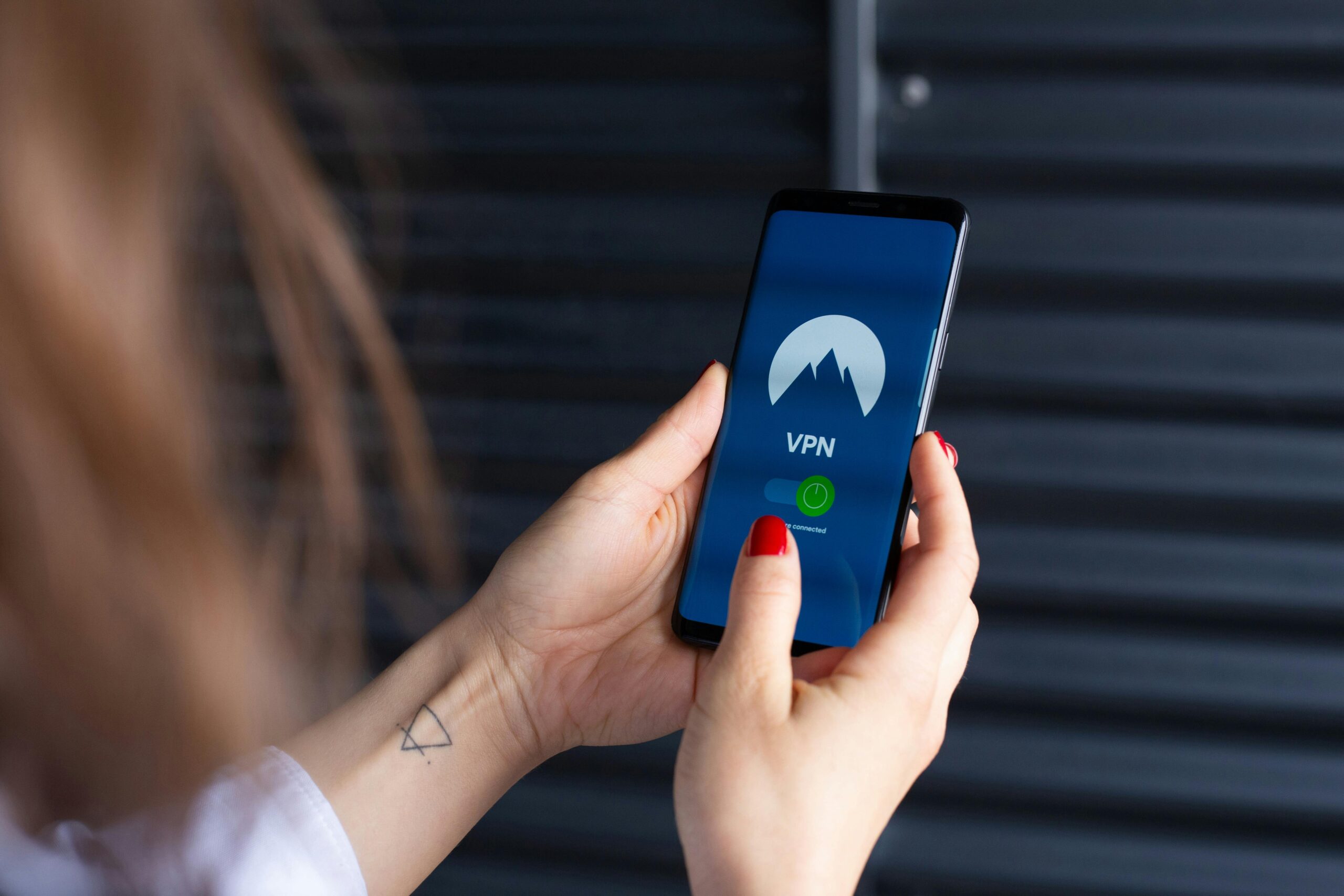
Based on our experience and testing, not all VPNs operate stably on the island. We recommend the following services:
a) NordVPN (Strongly Recommended): Our top choice due to its stable performance within Cuba. With a massive network of over 6,000 servers in 111 countries, it is significantly less likely to have its traffic identified and blocked by local networks compared to smaller competitors.
b) Proton VPN: If you are looking for a reliable free option, we recommend Proton VPN, which is one of the best we have tested.
Important Note for iPhone Users: You must download and configure your VPN before your trip. Since the Apple App Store is blocked within Cuba, you will not be able to download the app after landing. While pre-installation is also best for Android users, we can assist with the setup during your stay if necessary.
While most Google services, including Google Maps, function in Cuba, unstable internet connections can make real-time navigation difficult. To ensure a smooth trip, we recommend the following preparations:
a) Download Offline Maps: Download maps of Cuba for offline use before departure. While Google Maps has some offline features, they are often restricted on the island.
b) b) Recommended Apps: We strongly recommend using Maps.me (Maps.me) or its excellent open-source alternative, Organic Maps (OrganicMaps.app). Both provide detailed offline maps specifically for Cuba and allow for GPS navigation without data.
c) Pre-Departure Research: Complete all necessary searches, bookings, and research in advance to avoid unexpected situations in areas without signal.
d) Informing Others: Let family and friends know about the communication situation in Cuba. This makes it easier for them to understand if you cannot reply to messages immediately.
e) Entertainment: For music lovers, download your favorite playlists and podcasts before arrival. This allows you to enjoy them without worrying about buffering frustrations or high data charges.
Note on Rural Connectivity: When traveling between cities or municipalities, you are likely to encounter areas with no mobile signal at all or only very slow 3G/Edge connections. In such areas, having offline maps, guides, and important information saved directly to your phone is not just convenient—it is essential.
The "Emergency SOS via Satellite" feature available on iPhone 14 and later models does not work in Cuba. Even if your smartphone's hardware can technically detect Globalstar satellites, Cuba is not included in Apple's supported regions (which currently include the US, Canada, Europe, Australia, Japan, Mexico, New Zealand, etc.). Since Cuba is not an authorized region for this service, the SOS function simply will not activate.
VPNs are Ineffective: Using a VPN will not change this situation. While a VPN affects standard internet traffic, Satellite SOS completely bypasses mobile networks and Wi-Fi. Unless the geographic region is supported by Apple's firmware, the iPhone will not establish a connection.
It is important to understand the legal background of communication equipment in Cuba.
a) Restricted Equipment: Under Cuban law, satellite communication equipment is strictly regulated. It is prohibited to import or use satellite phones or related equipment without specific permission from the Ministry of Communications.
b) Enforcement: In the past, there have been instances where unauthorized equipment (such as GSM amplifiers or high-performance LTE devices) was confiscated by authorities on the grounds of "interfering" with the state enterprise ETECSA's network.
c) Regarding Smartphones: There is no legal issue with bringing an iPhone into Cuba. However, because it will not function, please do not rely on the Satellite SOS feature for your safety planning.